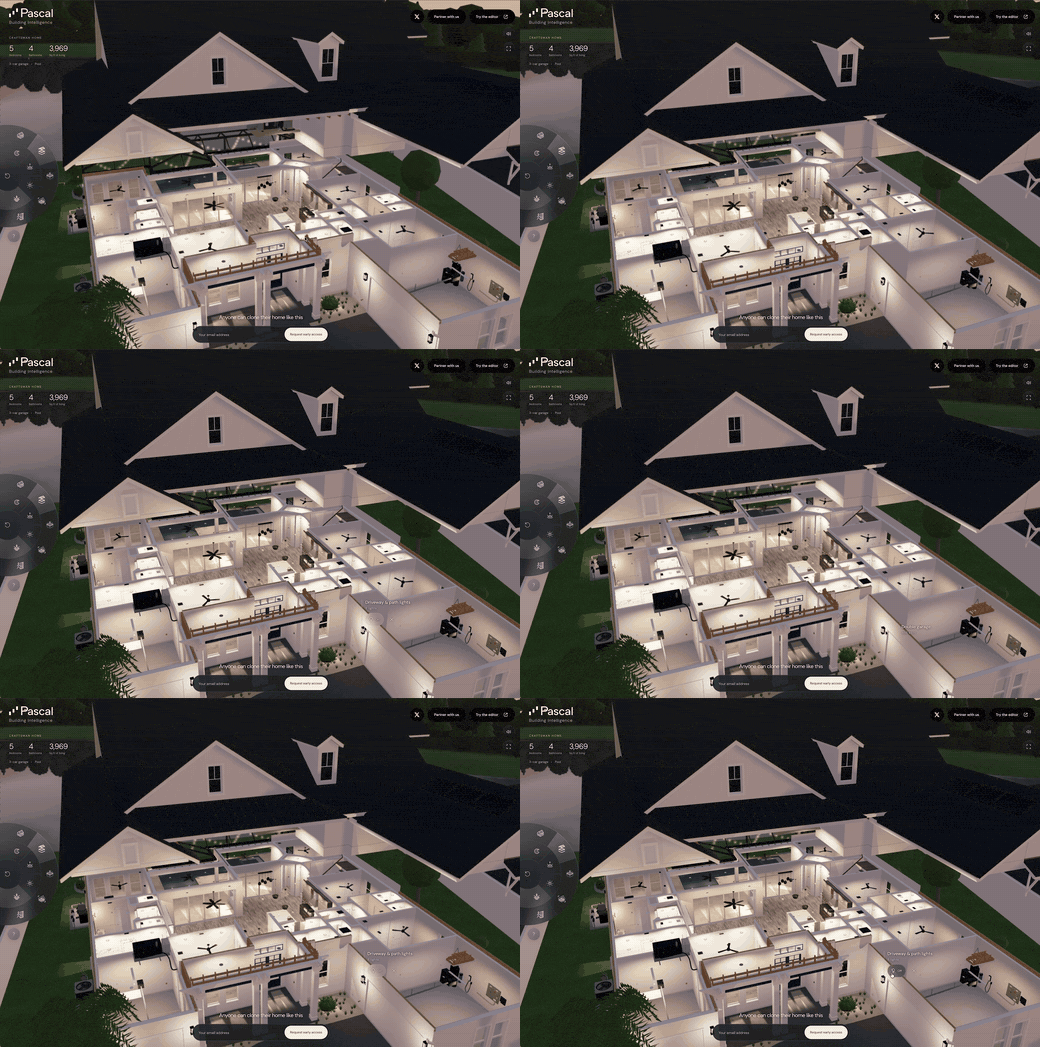
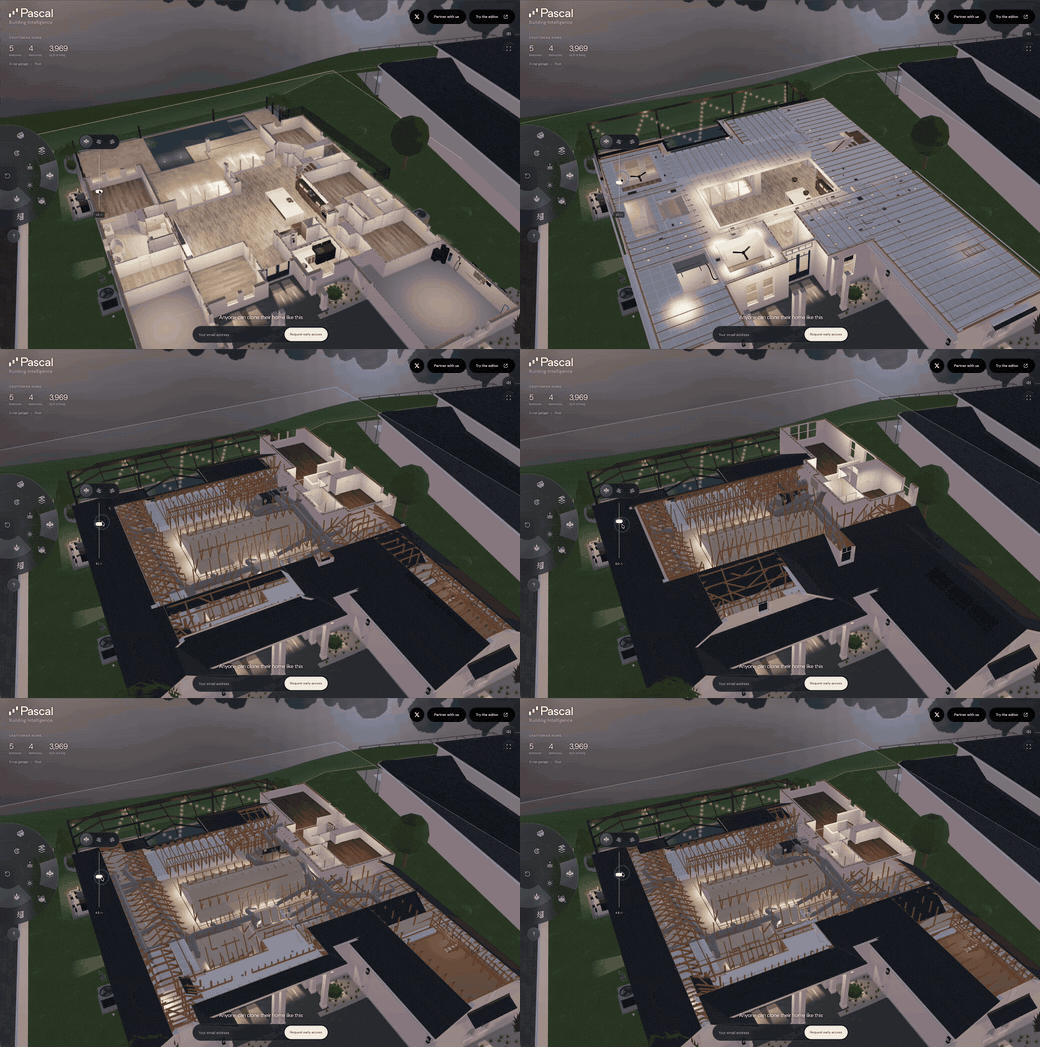
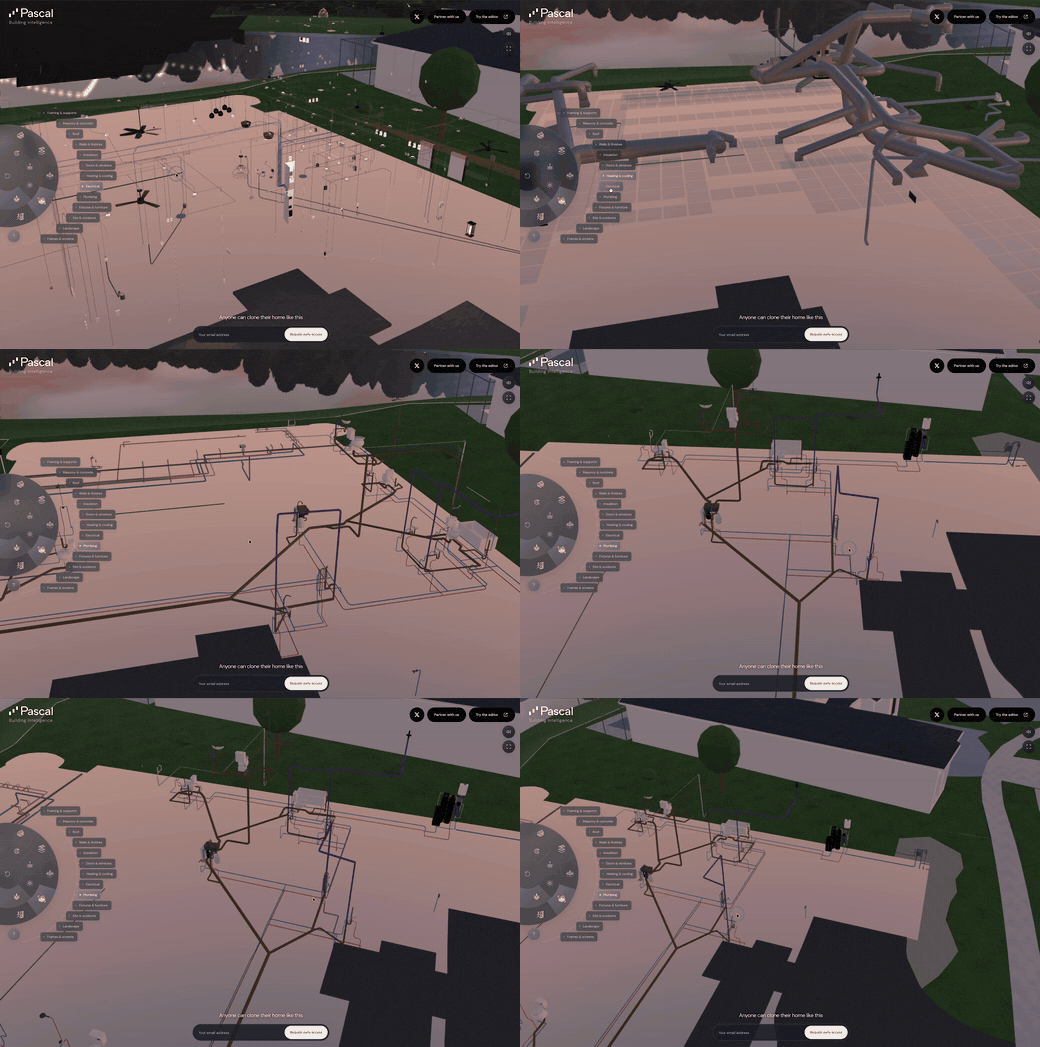
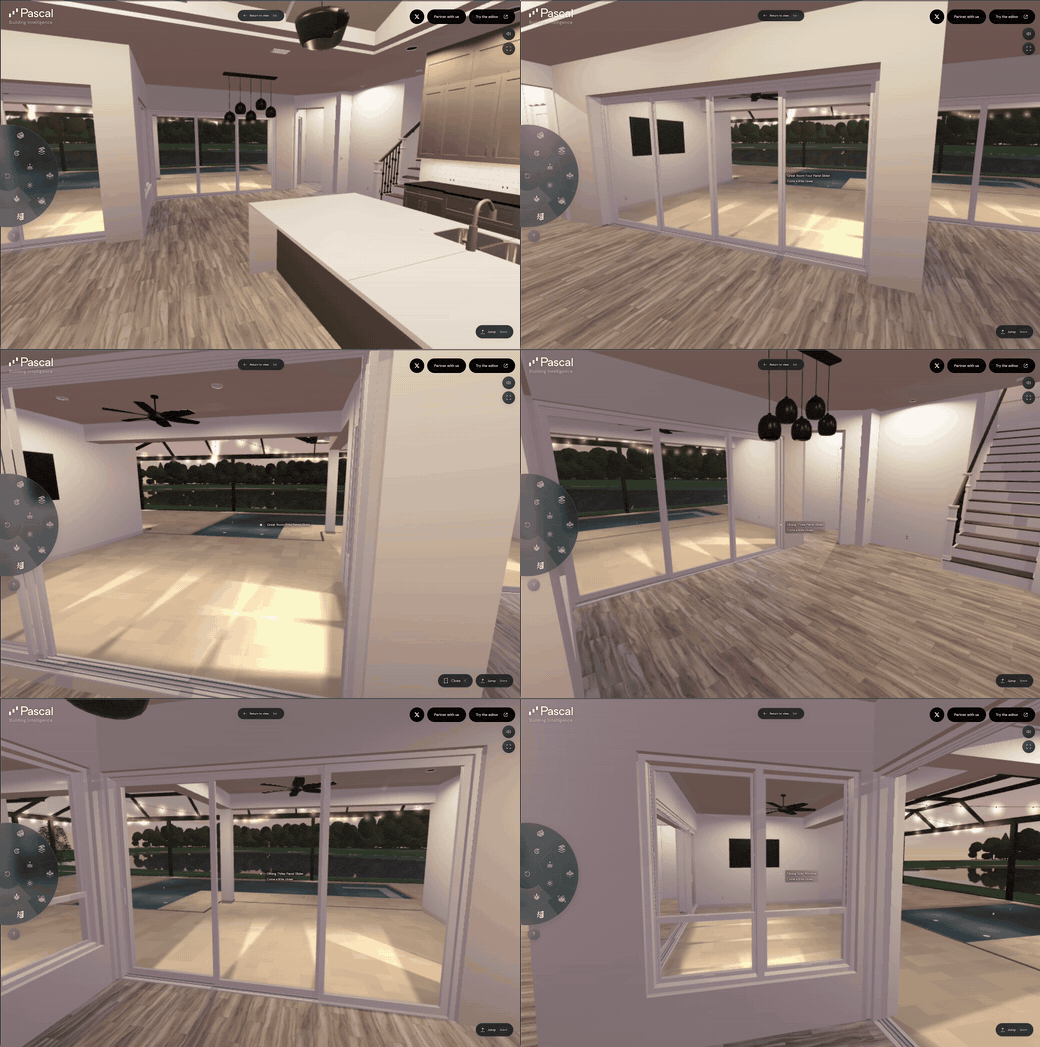
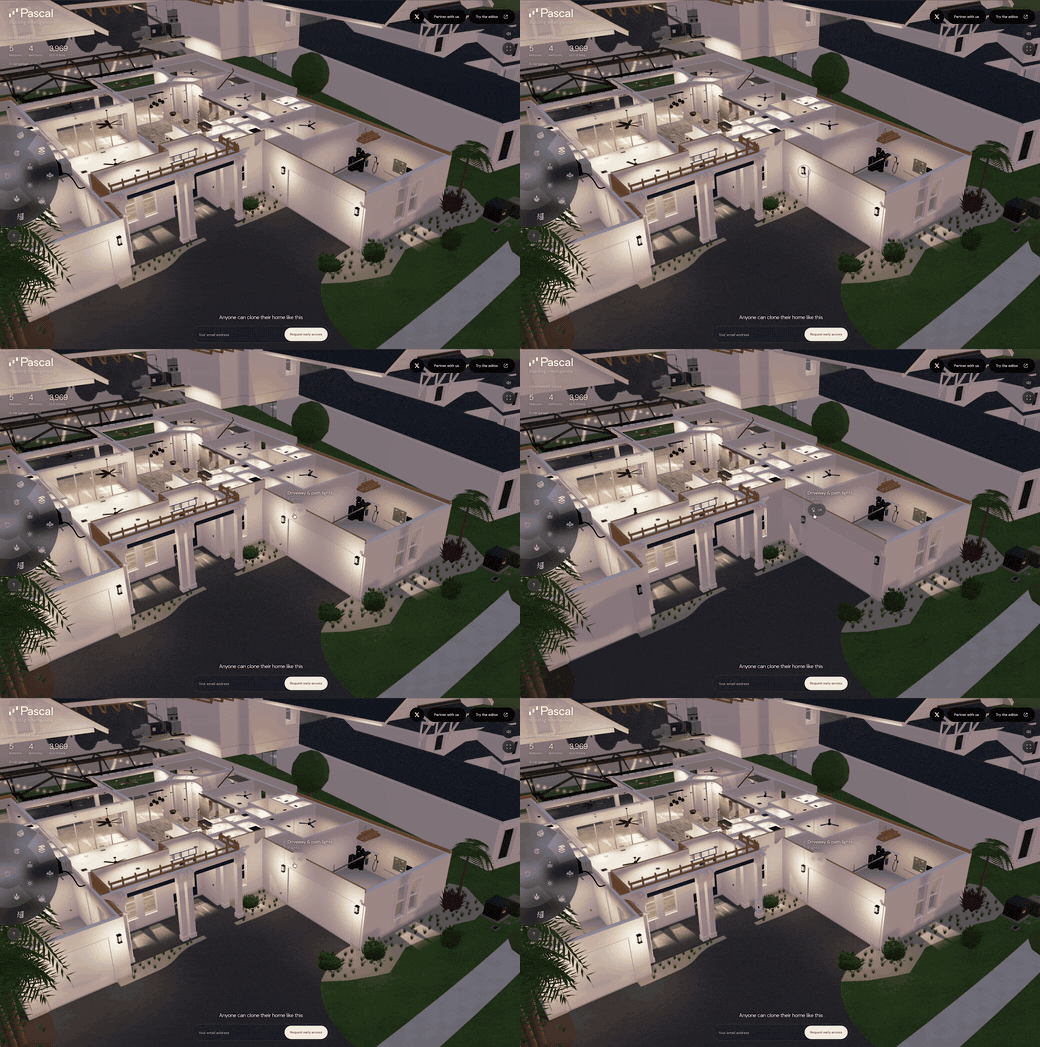
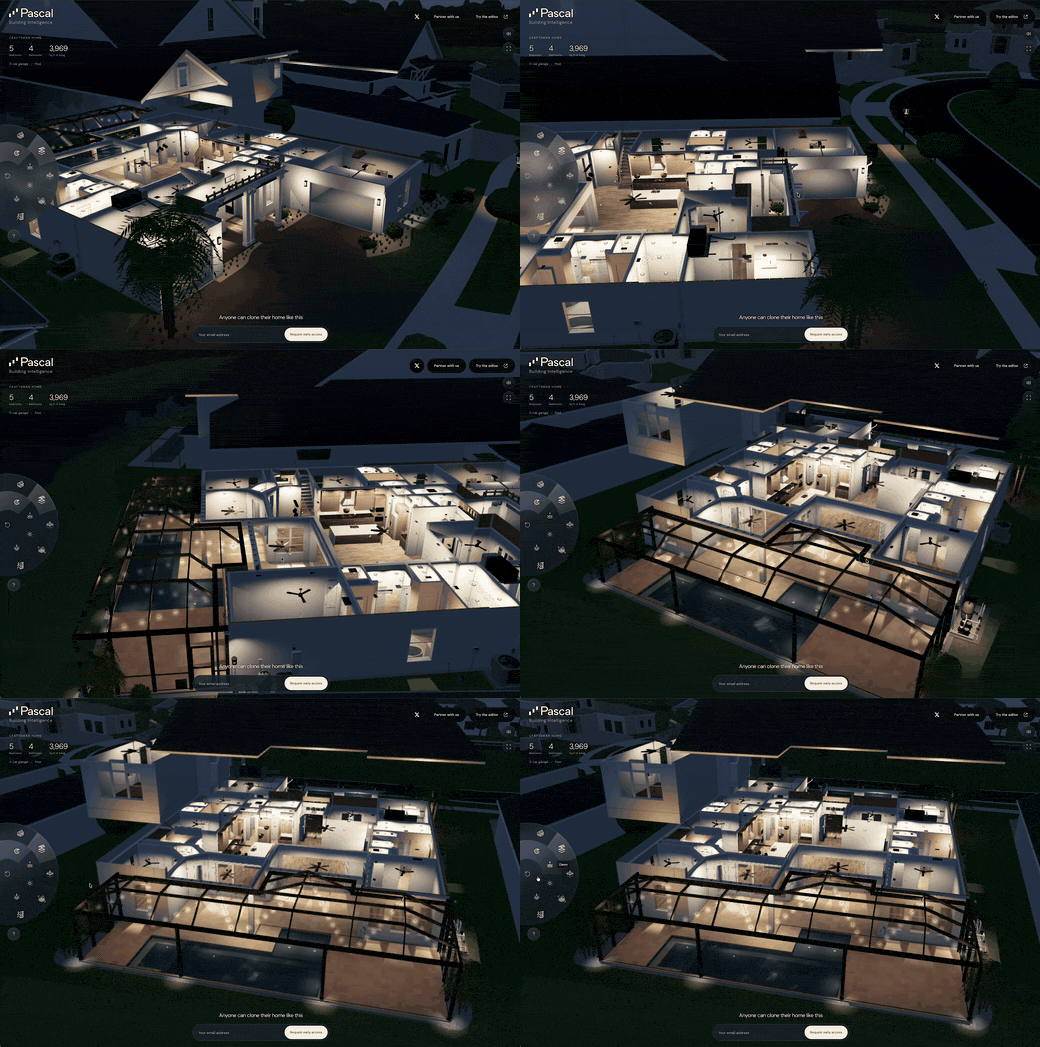
Open-source 3D architecture software for AECO, scan-to-BIM. Agent-friendly, browser-first, MCP, CLI.
# Pascal Editor
An open-source, local-first 3D building editor built with React Three Fiber and
WebGPU. Run it in the browser or from the CLI, and connect AI agents through MCP.
[](LICENSE)
[](LICENSE)
[. Projects live in
SQLite under /data; one admin password protects the instance; PASCAL_PUBLIC_URL is
read at runtime, so the same image serves any domain.
The Claude plugin also supplies the local pascal mcp connect server. Install and start the Pascal CLI first, and keep pascal on the PATH used to launch Claude Code. This local connector needs no Pascal account or API key and does not upload projects automatically. Its plugin root is this repository's skills/ directory, so an install copies only the skill bundles and their plugin metadata rather than the repository.
The plugin bundles two servers: the local pascal connector above and a hosted pascal-hosted server for https://editor.pascal.app/api/mcp, which prompts for an optional Pascal API key at enable time and stores it in the OS keychain. Leave the key empty to run local-only.
Claude Code 2.1.258 loads both the user-scoped pascal server created by pascal mcp setup claude and the plugin-provided server. Remove the manual entry before reloading or restarting Claude Code so only the plugin owns the connection lifecycle:
claude mcp remove --scope user pascal
Use /mcp to remove or disable any project- or local-scoped Pascal connection too. Leaving both connections active violates the one-active-agent-client-per-local-service requirement. When the intended project is hosted in a Pascal account or organization, disable the plugin-provided local server in /mcp and configure the hosted endpoint from the skill setup guide instead.
Codex users can install the same plugin from the repository marketplace:
OpenClaw installation becomes available after the skills are published under Pascal's ClawHub publisher. See skills/README.md for the owner-qualified install and verification commands.
pascal-3d covers safe local or hosted MCP setup and verified scene work. furniture-fit produces a bounded, evidence-based footprint assessment without claiming unsupported height, swing, or delivery checks. See skills/README.md for package details and validation.
The skills inspect the connected MCP tool schemas before using optional fields. A capability present in this repository may be absent from an older installed or hosted release; the agent should report the narrower supported result instead of assuming source-only inputs are available.
These workflows require a connected Pascal MCP server for their tool-backed actions. An OpenAI directory submission must therefore use With MCP and submit the production hosted MCP endpoint together with the skills. The repository package does not prove that the endpoint, OAuth flow, reviewer credentials, domain verification, or portal scan is ready for review.
MCP Registry
server.json is Pascal's manifest for the official MCP Registry, named
app.pascal/editor. It lists the @pascal-app/mcp npm package and the hosted Streamable HTTP
endpoint, which signs in with OAuth. Its version is the @pascal-app/mcp package version:
bun scripts/sync-agent-versions.ts rewrites it, and the Cursor plugin's CLI pin, from the
package versions, and CI fails when they drift. A Pascal owner publishes from main after a
release; see wiki/npm-release.md.
Using Published Packages
The viewer runtime and built-in node definitions are separate packages. Install the full built-in
viewer set, then load the built-in plugin once before mounting <Viewer>. Capture sessions are an
optional extension shipped inside those packages as the @pascal-app/core/capture and
@pascal-app/viewer/capture subpaths:
import { loadPlugin } from '@pascal-app/core'
import { builtinPlugin } from '@pascal-app/nodes'

await loadPlugin(builtinPlugin)
See the @pascal-app/viewer quick start for a React example,
and @pascal-app/editor to embed the full editor: its loading
surface, tool-menu placement, light or dark chrome, views and selection helpers.
Repository Architecture
This is a Turborepo monorepo with the reusable editor packages, the standalone app,
and the CLI that distributes it:
editor/
├── apps/
│   └── editor/          # Next.js application
├── packages/
│   ├── core/            # Schemas, scene state, registry contracts, capture contracts
│   ├── viewer/          # 3D rendering runtime, shared systems, capture runtime
│   ├── editor/          # Editing tools and UI components
│   ├── nodes/           # Built-in node definitions, renderers, and systems
│   ├── cli/             # Persistent local editor installer and process manager
│   ├── mcp/             # Model Context Protocol server and scene storage
│   └── ui/              # Shared UI components
Separation of Concerns
Package
Responsibility
@pascal-app/core
Node schemas, scene state (Zustand), registry contracts, spatial queries, and event bus. core/capture adds versioned capture manifests, normalized streams, and transport-neutral static/live sources
@pascal-app/viewer
3D rendering via React Three Fiber, shared render systems, default camera/controls, and post-processing. viewer/capture adds the capture runtime and reference model, device-motion, point-cloud, and surface-mesh layers
@pascal-app/editor
Editing tools, panels, selection, and direct-manipulation UI
@pascal-app/nodes
Built-in registry plugin with node definitions, renderers, geometry, and systems
@pascal-app/cli
Installs and manages a versioned standalone editor runtime and persistent local data
@pascal-app/mcp
Exposes scene tools, resources, prompts, and local storage to MCP-compatible AI hosts
apps/editor
Standalone Next.js host for the editor packages
The viewer renders the scene with sensible defaults. The editor extends it with interactive tools, selection management, and editing capabilities.
Stores
Each package has its own Zustand store for managing state:
Store
Package
Responsibility
useScene
@pascal-app/core
Scene data: nodes, root IDs, dirty nodes, CRUD operations. Persisted to IndexedDB with undo/redo via Zundo.
useViewer
@pascal-app/viewer
Viewer state: current selection (building/level/zone IDs), level display mode (stacked/exploded/solo), camera mode.
Systems are React components that run in the render loop (useFrame) to update geometry and transforms. They process dirty nodes marked by the store.
Core Systems (in @pascal-app/core):
System
Responsibility
WallSystem
Generates wall geometry with mitering and CSG cutouts for doors/windows
SlabSystem
Generates floor geometry from polygons
CeilingSystem
Generates ceiling geometry
RoofSystem
Generates roof geometry
ItemSystem
Positions items on walls, ceilings, or floors (slab elevation)
Viewer Systems (in @pascal-app/viewer):
System
Responsibility
LevelSystem
Handles level visibility and vertical positioning (stacked/exploded/solo modes)
ScanSystem
Controls 3D scan visibility
GuideSystem
Controls guide image visibility
Processing Pattern:
useFrame(() => {
  for (const id of dirtyNodes) {
    const obj = sceneRegistry.nodes.get(id)
    const node = useScene.getState().nodes[id]

    // Update geometry, transforms, etc.
    updateGeometry(obj, node)

    dirtyNodes.delete(id)
  }
})
Dirty Nodes
When a node changes, it's marked as dirty in useScene.getState().dirtyNodes. Systems check this set each frame and only recompute geometry for dirty nodes.
// Automatic: createNode, updateNode, deleteNode mark nodes dirty
useScene.getState().updateNode(wallId, { thickness: 0.2 })
// → wallId added to dirtyNodes
// → WallSystem regenerates geometry next frame
// → wallId removed from dirtyNodes
Manual marking:
useScene.getState().dirtyNodes.add(wallId)
Event Bus
Inter-component communication uses a typed event emitter (mitt):
Used by item placement tools to validate positions and calculate slab elevations.
Editor Architecture
The editor extends the viewer with:
Tools
Tools are activated via the toolbar and handle user input for specific operations:
SelectTool - Selection and manipulation
WallTool - Draw walls
ZoneTool - Create zones
ItemTool - Place furniture/fixtures
SlabTool - Create floor slabs
Selection Manager
The editor uses a custom selection manager with hierarchical navigation:
Site → Building → Level → Zone → Items
Each depth level has its own selection strategy for hover/click behavior.
Editor-Specific Systems
ZoneSystem - Controls zone visibility based on level mode
Custom camera controls with node focusing
Data Flow
User Action (click, drag)
       ↓
Tool Handler
       ↓
useScene.createNode() / updateNode()
       ↓
Node added/updated in store
Node marked dirty
       ↓
React re-renders NodeRenderer
useRegistry() registers 3D object
       ↓
System detects dirty node (useFrame)
Updates geometry via sceneRegistry
Clears dirty flag
Building a Plugin
The editor is extensible: a plugin ships node kinds (schema, 3D/2D rendering, placement tools, inspector parametrics) and left-rail panels through the same Plugin manifest the built-ins use — there is no separate internal API.
Developer guide — Create a plugin: the Plugin shape, panel contributions, discovery, lifecycle, and what's in/out of v1.
Worked example — pascalorg/plugin-trees: a standalone plugin with procedural trees, flowers, grass, and a presets panel. Clone it as a starting point.
Technology Stack
React 19 + Next.js 16
Three.js (WebGPU renderer)
React Three Fiber + Drei
Zustand (state management)
Zod (schema validation)
Zundo (undo/redo)
three-bvh-csg (Boolean geometry operations)
Turborepo (monorepo management)
Bun (package manager)
Getting Started
Development
Run the development server from the root directory to enable hot reload for all packages:
# Install dependencies
bun install

# Run development server (builds packages + starts editor with watch mode)
bun dev

# This will:
# 1. Build @pascal-app/core and @pascal-app/viewer
# 2. Start watching both packages for changes
# 3. Start the Next.js editor dev server
# Open http://localhost:3002
Important: Always run bun dev from the root directory to ensure the package watchers are running. This enables hot reload when you edit files in packages/core/src/ or packages/viewer/src/.
Building for Production
# Build all packages
turbo build

# Build specific package
turbo build --filter=@pascal-app/core
Publishing Packages
Releases run from .github/workflows/release.yml (workflow_dispatch, with
bump and dry-run inputs). Every package shares one version: the workflow
bumps all eight, rewrites the internal @pascal-app/* ranges, checks that each
one already exists on npm (a package never published fails the run before
anything is built), builds, publishes in dependency order (core →
geometry-script → viewer → editor → nodes → mcp → ifc-converter →
cli), then commits the release and pushes one tag per package with the release
deploy key, which the main ruleset lets through. A dry run validates the builds
without touching the registry. Releasing to npm covers
authentication, adding a package, the deploy key, recovering a partial run,
publishing by hand and the follow-ups.
Key Files
Path
Description
packages/core/src/schema/
Node type definitions (Zod schemas)
packages/core/src/store/use-scene.ts
Scene state store
packages/core/src/hooks/scene-registry/
3D object registry
packages/core/src/systems/
Geometry generation systems
packages/viewer/src/components/renderers/
Node renderers
packages/viewer/src/components/viewer/
Main Viewer component
apps/editor/components/tools/
Editor tools
apps/editor/store/
Editor-specific state
Contributing
Bug fixes, features, docs and ideas are all welcome. Start with CONTRIBUTING.md for setup, code style and the PR flow.
New node kinds and sidebar panels ship as plugins rather than edits to the built-ins — pascalorg/plugin-trees is a worked example
Questions and ideas go to Discussions; reproducible bugs go to Issues